Claude Code & WhatsApp: How to Build Intelligent Workflows in Record Time
If you’ve spent any time in a terminal lately, you’ve probably heard the buzz. Anthropic just dropped Claude Code, and the developer community is acting like they just found a cheat code for real life. It’s a CLI (Command Line Interface) tool that brings the reasoning power of Claude directly into your development environment.
But while most people are using it to fix buggy CSS or write unit tests they should have written weeks ago, the real “galaxy brain” move is using it to supercharge your WhatsApp Business API workflows.
Why? Because WhatsApp automation is the frontier of customer engagement. In a world where people ignore 90% of their emails, a well-timed WhatsApp message is the holy grail of marketing. And Claude Code is the shovel you need to dig that gold faster than ever.
What Exactly is Claude Code? (The TL;DR)
Before we dive into the WhatsApp sauce, let’s get the technicals out of the way. Claude Code isn’t just another chatbot in a browser tab. It’s a specialized tool that you install via npm (npm install -g @anthropic-ai/claude-code) and run directly in your project folder.
Unlike a standard AI chat, Claude Code understands your entire file structure. It can read your logs, analyze your Git history, and, most importantly, write and execute code across multiple files. It’s like having a Senior Developer sitting on your shoulder who never sleeps, never complains about the coffee, and actually enjoys reading API documentation.
Why WhatsApp Automation Needs This
Let’s be honest: setting up a whatsapp chatbot for business or a complex automated flow can be a massive headache. You’re dealing with:
- Webhook URLs that need to be perfectly configured.
- JSON payloads that look like a bowl of alphabet soup.
- Authentication headers that fail if you breathe on them wrong.
- Message Templates that need to follow strict Meta guidelines.
When you use Claude Code to build these, you’re not manually typing out boilerplate code. You’re telling the CLI: “Hey, look at my Express.js server and write a new endpoint that receives a WhatsApp webhook, checks our Shopify database for an order ID, and sends back a shipping update using the WhatsApp Business API.”
And then? It just… does it.
Use Case 1: Prototyping “High-Touch” Chat Flows
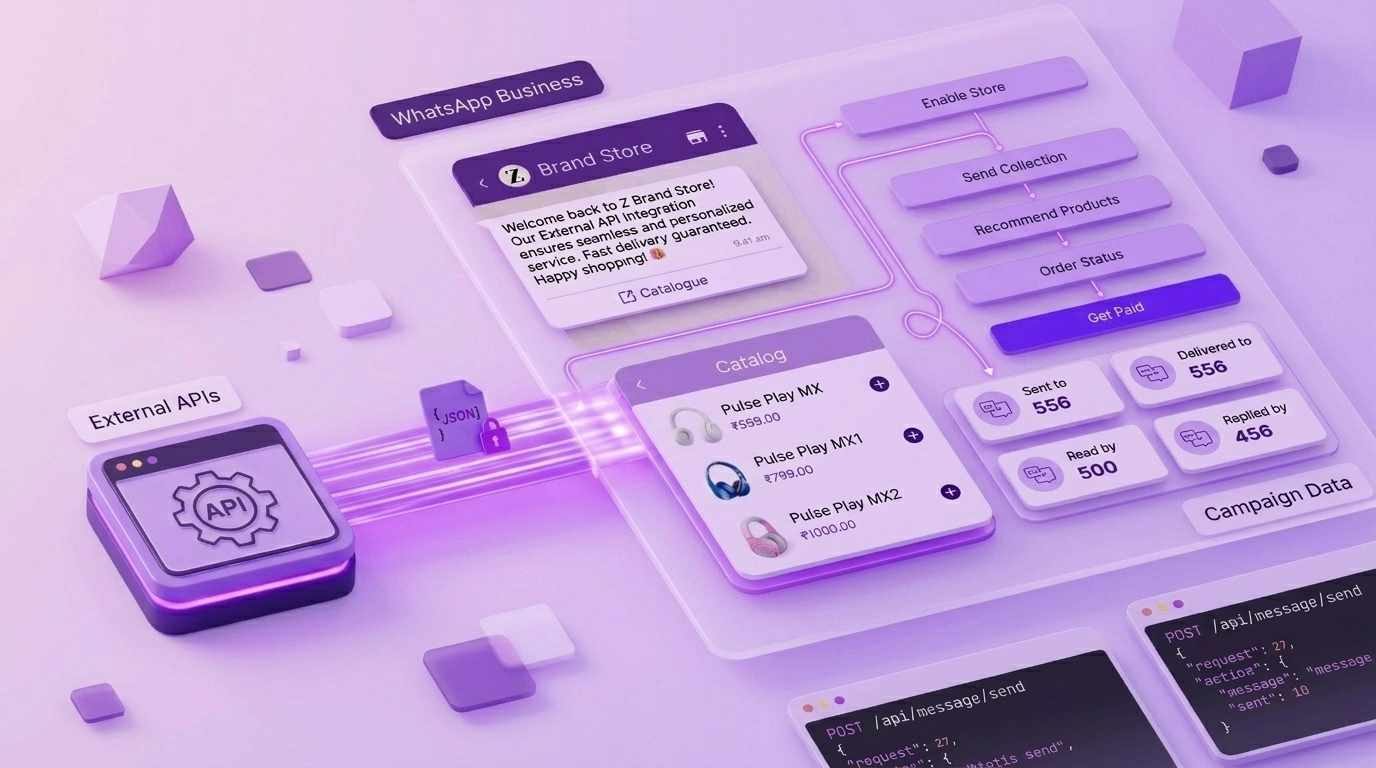
Building a whatsapp business automation flow usually starts with a whiteboard. You map out the “if this, then that” logic. Traditionally, translating that whiteboard into code takes hours of trial and error.
With Claude Code, you can prototype in record time. You can pipe a rough outline of your flow into the terminal and have it generate the logic for:
- The Welcome Sequence: Greeting a customer and offering a menu of options.
- The Intent Classifier: Figuring out if the customer wants to “Buy a product” or “Check an order status” without using 500
if/elsestatements. - The Fallback: Gracefully handing off to a human when the AI hits a wall (which is where a multi-agent dashboard like WebMaxy becomes essential).
Use Case 2: The “Post-Automation” Hook
This is where things get really cool for tech-savvy marketing teams. Imagine you’re running a large-scale campaign. You’re using whatsapp automation tools to send out thousands of messages, but you want to know the moment something goes wrong, or the moment a VIP customer responds.
You can use Claude Code to set up automation hooks. For example, you can write a script that monitors your server logs or your database and triggers a WhatsApp notification to your sales team’s phones. If that database happens to be Postgres, it helps to monitor what’s actually happening under the hood – long-running queries, lock waits, replication lag, so the alert your team gets it based on real signal instead of noise.
Instead of checking a dashboard every ten minutes, your team gets a ping: “Hey! A high-value lead just interacted with your WhatsApp Store. Jump in now!”
Use Case 3: Seamless Catalog Integration
If you’re in e-commerce, your whatsapp chatbot for business is only as good as the products it can show. Setting up a whatsapp-catalogue usually involves a lot of API heavy lifting to sync your website’s inventory with WhatsApp’s display.
Claude Code can analyze your existing website’s API structure and generate the “bridge” code needed to push those products into a WhatsApp format. It can handle the image resizing, the description formatting, and the pricing logic in a fraction of the time it would take to do manually.
From CLI Prototyping to WebMaxy Scaling
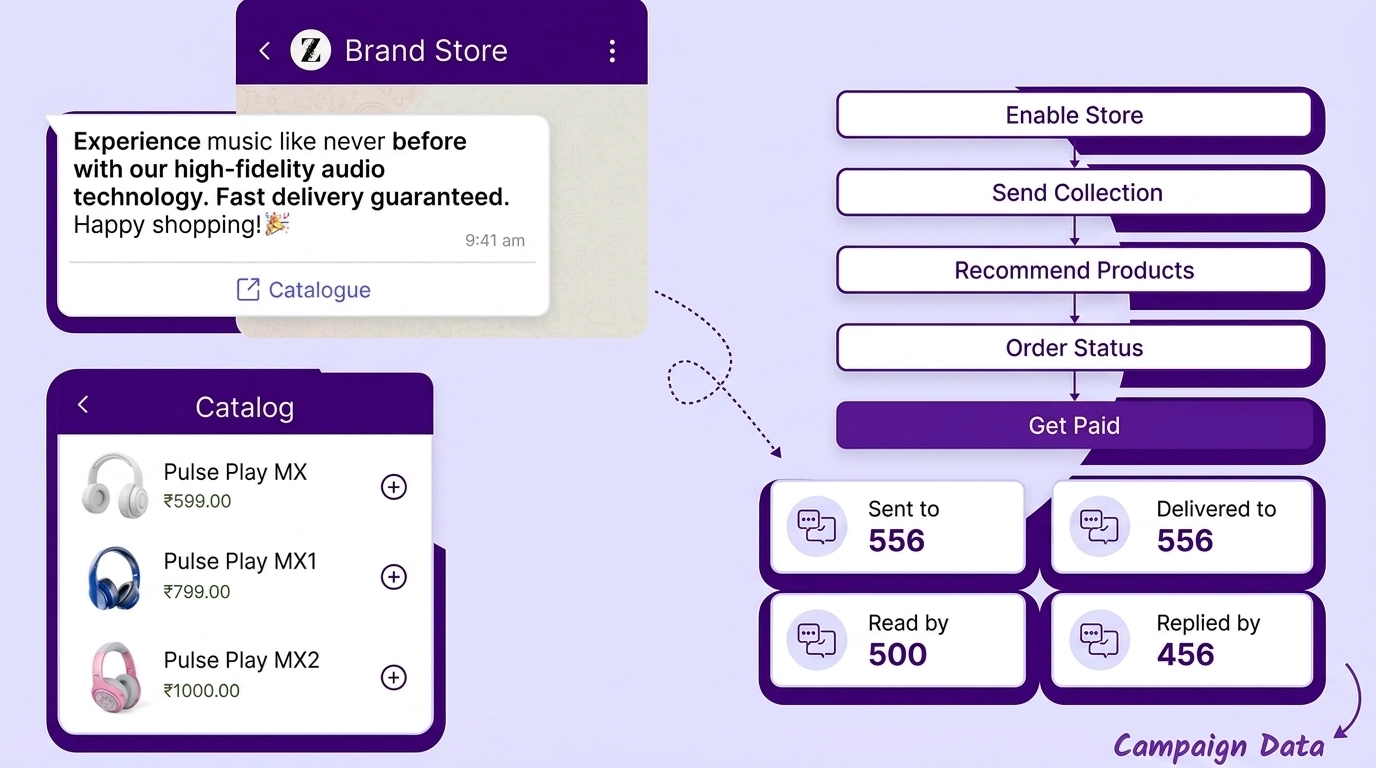
Claude Code is phenomenal for the “building” phase. It gets you from zero to a working prototype in minutes. But once you’re sending thousands of messages a day, you need more than just a terminal window. You need a platform that can handle the weight.
This is where WebMaxy takes the baton. While Claude Code builds the engine, WebMaxy is the high-performance vehicle that gets you to the finish line.
Why switch from raw code to WebMaxy?
- Multi-Agent Support: Your developers can build the flow, but your support team needs a clean dashboard to talk to customers.
- Analytics: You need to know your ROI. Who’s clicking? Who’s buying? WebMaxy provides the deep-dive analytics that raw API logs just can’t.
- No-Code Flexibility: Once the core “intelligent” workflows are built, your marketing team might want to tweak a message or change a discount code. They shouldn’t need a terminal for that. WebMaxy’s user-friendly interface lets them make changes on the fly.
The “How-To” Mental Model: Building Your First Flow
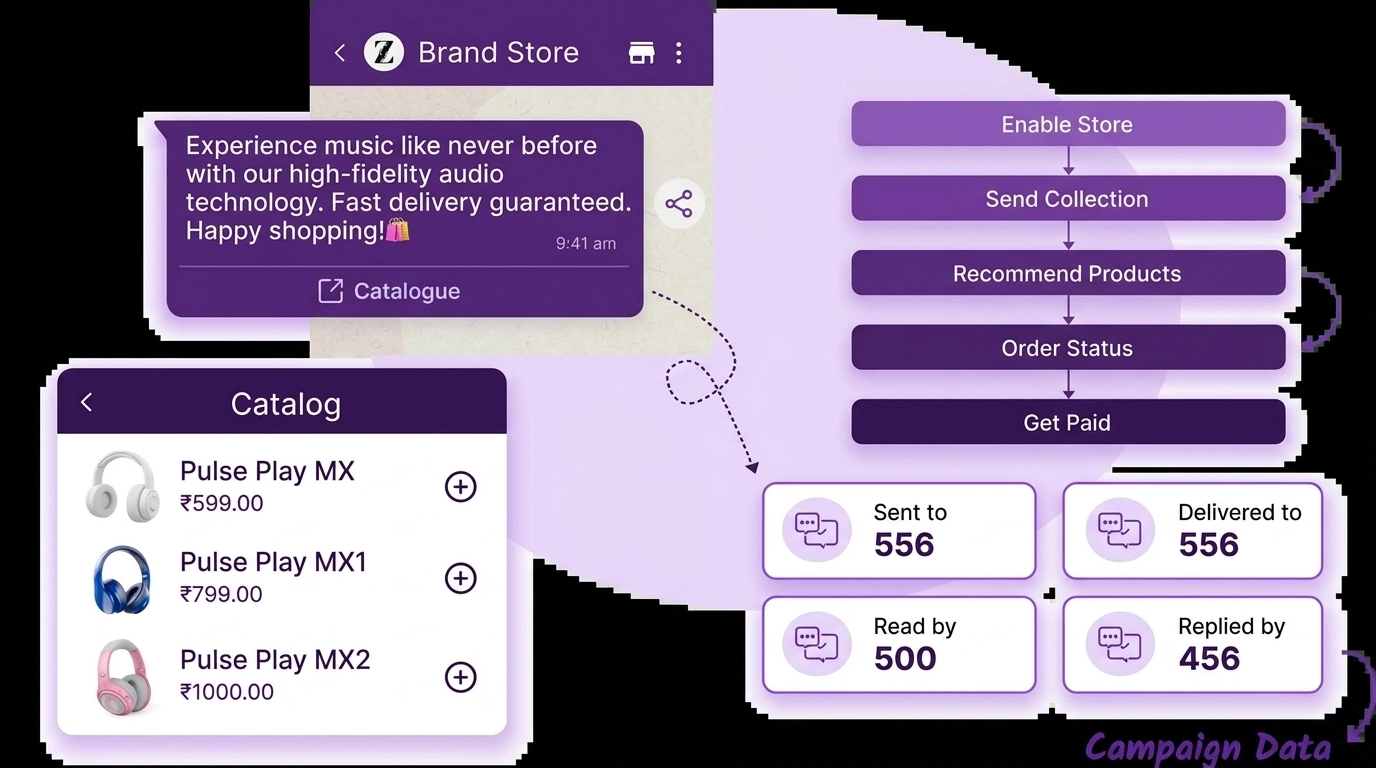
If you’re ready to try this, here’s the mental model you should follow:
- Install Claude Code: Get it running in your environment.
- Define Your Goal: “I want to build a WhatsApp flow that collects a user’s email and sends them a 10% discount code.”
- Prompt the CLI: Use Claude to generate the webhook listener. Ask it to include validation logic so you don’t get junk emails.
- Test Locally: Use tools like Ngrok to let the WhatsApp API talk to your local terminal.
- Refine with Claude: If the message formatting looks weird, tell Claude: “The JSON for the interactive buttons is failing. Fix it according to the latest Meta documentation.”
- Deploy & Scale: Once it works, move that logic into your production environment and integrate it with WebMaxy’s WhatsApp Campaign tools to start reaching your audience at scale.
Conclusion: The Future is (Chat) Automated
The combination of LLMs like Claude and the WhatsApp Business API is creating a new era of “Conversational Commerce.” We’re moving away from clunky, “Press 1 for Sales” bots and toward intelligent, context-aware assistants that actually help customers.
Using Claude Code as your development companion means you can spend less time fighting with documentation and more time thinking about how to delight your customers. And with WebMaxy providing the infrastructure to manage those conversations, there’s never been a better time to automate.
So, stop typing every bracket by hand. Fire up the terminal, install Claude Code, and let’s build the future of WhatsApp marketing together.
Ready to take your WhatsApp marketing to the next level?
Don’t just build it: grow it. Discover how WebMaxy helps thousands of brands unlock 60% revenue growth with advanced WhatsApp automation.
👉 Explore WebMaxy WhatsApp Solutions
© 2026 WebMaxy. All rights reserved. | Professional WhatsApp Marketing Solutions for Growing Brands.

Adam Wilson
Adam Wilson comes with an experience of 12+ years in the IT industry. As a Customer Success Manager, he has been researching and trying to understand the customers’ behavior in different scenarios. He has also studied human psychology to relate it to the purchase journey of the customers. His published books on customer psychology and behavior have received many honors and awards from various enterprises.