How to Launch Your WhatsApp Store in 2026: The Complete Guide to Instant Selling
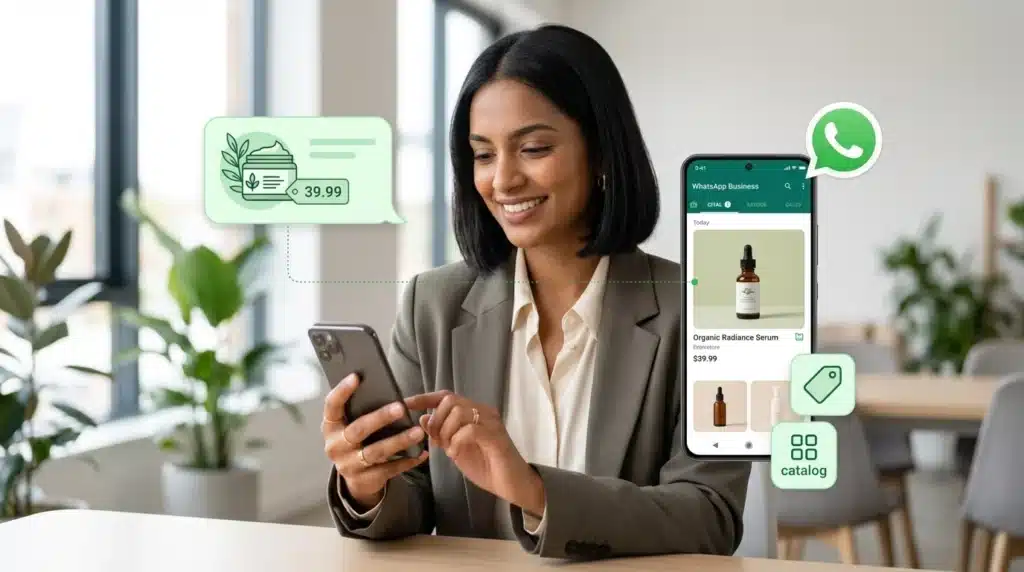
In 2026, e-commerce is moving closer to where customers already spend their time, and that place is WhatsApp. People no longer want to jump through multiple pages, fill long forms, and wait for replies. They want to discover products, ask questions, get recommendations, and buy in one chat. That shift is exactly why selling on WhatsApp is becoming the future of commerce for fast-moving brands.
A WhatsApp Store helps businesses turn conversations into conversions. You can showcase products, share catalogs, answer objections instantly, automate follow-ups, and guide customers from first message to payment without sending them elsewhere. For brands that want faster response times, better engagement, and more direct sales, this is no longer optional. It is becoming a practical sales channel.
With tools like WebMaxy, launching a WhatsApp Store is far more structured than it used to be. You can connect your store, automate chats, support customers with multiple agents, and run campaigns that bring shoppers directly into WhatsApp. This guide breaks down the exact steps to get started.
- WhatsApp is becoming a core e-commerce channel in 2026 because customers prefer fast, chat-based buying journeys.
- A WhatsApp Store lets you display products, answer questions, automate support, and close sales in one place.
- Start by setting up a complete business profile with accurate branding and contact details.
- Build a catalog with strong product images, short videos, clear titles, pricing, and useful descriptions.
- Use automation like welcome messages, quick replies, and AI chatbots to handle scale.
- Launch faster with WebMaxy by integrating Shopify or WooCommerce and managing chats with a multi-agent team.
- Drive traffic using Click-to-WhatsApp ads that open a conversation instantly.
- Payments, security, and store setup can all be handled in a practical, customer-friendly way.
Table of Contents
- Setting Up Your Business Profile (The Basics)
- Creating a Scroll-Stopping Catalog
- The Magic of Automation
- Launching Your Store with WebMaxy
- Driving Traffic to Your Store
- FAQ
Setting Up Your Business Profile (The Basics)
APP PROFILE
Your WhatsApp Store starts with the basics: a complete and trustworthy business profile. Before customers browse products or ask questions, they look for signals that your brand is real, active, and easy to contact.
Set up your profile with:
- Business name
- Logo or display image
- Category
- Description
- Business hours
- Website link
- Email address
- Store address if relevant
Configuration of the WhatsApp Business API necessitates a verified business profile. Users must integrate company branding, contact details, and website URLs. The catalog functionality within the WebMaxy dashboard facilitates the bulk upload of product inventories. Data requirements include product names, high-resolution imagery, SKU identifiers, and price points. Integration with Shopify or WooCommerce ensures real-time stock synchronization.
Action steps:
- Keep your business name consistent with your website and social handles.
- Write a short business description that explains what you sell.
- Add working support details so customers can trust the account.
- Make sure your hours are accurate to avoid missed expectations.
- If you use WebMaxy, complete your store and business settings before importing products.
Creating a Scroll-Stopping Catalog
A WhatsApp Store works only if your catalog makes people stop and click. Customers should be able to understand the product quickly without asking five follow-up questions.
For every product, add:
- Clear product name
- Clean product image
- Short product video if possible
- Price
- Product description
- Variants like size or color
- SKU or internal code
- Product link if needed
Best practices for catalog setup:
- Use bright, clean product photos with minimal distractions.
- Keep titles simple and searchable.
- Write descriptions that answer the basics: what it is, who it is for, and why it matters. Add short demo videos for products that need a bit more explanation using a free online video editor to highlight key features and functionality. Include delivery details, customization options, or return terms whenever they influence purchase decisions.
- Add short demo videos for products that need explanation.
- Mention delivery details, customization options, or return terms if they affect purchase decisions.
A good catalog should feel easy to skim. If the customer has to guess what the product does, the catalog is not ready.
The Magic of Automation
timings & messages
Automation is what makes a WhatsApp Store scalable. Without it, every new conversation becomes manual work. With it, your business can respond faster, qualify leads, recover carts, and route customers to the right next step.
Start with these essentials:
- Welcome messages for first-time conversations
- Away messages for off-hours
- Quick replies for repeated questions
- Order confirmation messages
- Shipping and delivery updates
- Abandoned cart reminders
- AI chatbot flows for FAQs and product discovery
Operational parameters are defined by business work timings. Automated welcome messages trigger upon initial user contact during active hours. Out-of-office auto-replies manage expectations during inactive periods. Message templates must adhere to WhatsApp guidelines to ensure delivery compliance. WhatsApp customer support interfaces allow for multi-agent response handling during peak operational hours. Standardized greetings minimize response latency and establish initial customer engagement protocols.
WHATSAPP AUTOMATION
Deploying WhatsApp automation involves the implementation of conversational flows. Automated sequences handle abandoned cart recovery, order confirmations, and shipment tracking updates. AI-powered chatbots manage Level 1 support queries, reducing manual intervention. Catalogs are integrated directly into the chat interface, enabling users to browse and select items without exiting the application. Payment gateway integrations (Razorpay, Stripe) facilitate instant transaction processing within the messaging thread.
Action steps:
- Write a welcome message that tells customers what they can do next.
- Create quick replies for delivery, pricing, return policy, and order status.
- Build chatbot flows for FAQs and product recommendations.
- Add automation for cart recovery and post-purchase communication.
- Review message templates regularly for compliance and performance.
Launching Your Store with WebMaxy
rules

If you want to launch quickly without stitching together multiple tools, WebMaxy gives you a more complete setup for WhatsApp selling.
With WebMaxy, you can:
- Launch a WhatsApp Store for instant product selling
- Sync products from Shopify and WooCommerce
- Manage customer chats from a single dashboard
- Assign conversations across multiple agents
- Build automated workflows and campaigns
- Use AI chatbots to answer repetitive queries
- Track performance and engagement
Conditional logic defines the WhatsApp commerce environment. “If-then” rules govern message routing and trigger-based actions. Keywords identified in user messages determine the activation of specific automated workflows. Tagging systems categorize customers based on purchase history and interaction frequency. Rules-based segmentation enables targeted WhatsApp campaigns and personalized product recommendations. Logic-driven interactions ensure scalable customer management and optimized conversion rates.
A practical launch flow looks like this:
- Connect your WhatsApp Business API.
- Integrate your Shopify or WooCommerce store.
- Import or sync your product catalog.
- Set up your welcome flow and support automations.
- Assign your team through a multi-agent dashboard.
- Test the full customer journey before going live.
Driving Traffic to Your Store
A WhatsApp Store does not grow on its own. You need a steady source of high-intent traffic, and one of the fastest ways to do that is with Click-to-WhatsApp ads.
These ads let people tap and start a conversation instantly from platforms like Facebook and Instagram. Instead of sending traffic to a slow landing page, you bring shoppers straight into chat where your team or automation can take over.
How to drive better traffic:
- Use product-led creatives with a clear offer.
- Keep ad copy focused on one action.
- Send users to a pre-filled WhatsApp conversation when possible.
- Route incoming chats to the right flow based on campaign intent.
- Follow up automatically if the customer does not complete the purchase.
Click-to-WhatsApp works especially well for:
- New product launches
- Limited-time offers
- Personalized shopping help
- High-consideration products
- Re-engagement campaigns
FAQ
Is a WhatsApp Store free?
A basic store setup can be free if you use standard WhatsApp Business features like profile setup and a simple product catalog. But if you want advanced automation, API access, multi-agent support, integrations, and scale, you will usually need a platform like WebMaxy.
Can I integrate it with my Shopify store?
Yes. You can integrate your WhatsApp Store with Shopify, and the same goes for WooCommerce. This helps sync products, pricing, and inventory so customers see updated information inside WhatsApp.
How do I handle payments?
Most businesses handle payments by sharing payment links through gateways like Razorpay or Stripe, or by directing customers to a secure checkout page. Depending on your setup, payment collection can happen inside a guided conversational flow.
Is it secure for customers?
Yes, if you use approved tools and secure payment methods. WhatsApp itself is widely trusted for communication, but businesses still need to follow good practices like verified profiles, secure payment gateways, clear policies, and controlled team access to customer chats.
© 2026 WebMaxy. All Rights Reserved. Confidential and Proprietary.

Adam Wilson
Adam Wilson comes with an experience of 12+ years in the IT industry. As a Customer Success Manager, he has been researching and trying to understand the customers’ behavior in different scenarios. He has also studied human psychology to relate it to the purchase journey of the customers. His published books on customer psychology and behavior have received many honors and awards from various enterprises.