How to Schedule Messages on WhatsApp: The Ultimate 2026 Guide for Android, iPhone, and Web
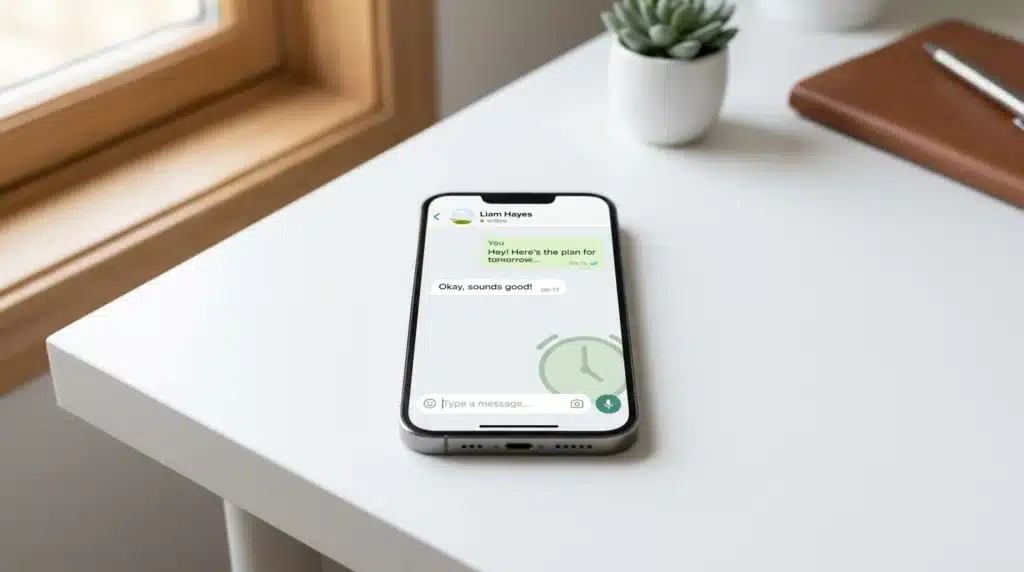
If you have ever wanted to send an important WhatsApp message at the exact right time but knew you would not be online, you are not alone. That is one of the biggest frustrations for users and businesses trying to stay consistent with reminders, follow-ups, offers, and customer communication.
The challenge is simple: WhatsApp does not offer a built-in scheduling feature for everyone, so you cannot always just write a message now and trust it to go out later automatically. The good news is that there are smart workarounds for personal use, and there are more reliable professional options for businesses that need proper automation.
In this guide, we will show you exactly how to schedule messages on whatsapp, including Android and iPhone methods, along with a scalable solution like WebMaxy for businesses that want scheduled messaging without depending on being online at the right moment.
whatsapp scheduling limitations
Standard WhatsApp and the basic WhatsApp Business application lack native server-side scheduling functionality for general users. Manual transmission is the default operational mode. Limitations include:
- Inability to queue messages for future delivery within the application.
- Dependency on manual user input at the specific time of sending.
- Lack of automated batch processing for broadcast campaigns.
- Requirement for active internet connectivity and unlocked devices for local workarounds.
how to schedule whatsapp messages on android

Method: Third-party automation services and Accessibility settings.
- Application: SKEDit or similar scheduling utilities available on Google Play.
- Configuration:
- Install the utility and grant Accessibility and Notification access.
- Select ‘WhatsApp’ as the communication channel.
- Input recipient contact information or group ID.
- Compose message text and attach necessary media files.
- Designate specific date and time for transmission.
- Optional: Set ‘Ask me before sending’ to ‘Off’ for full automation (requires screen lock removal).
how to schedule whatsapp messages on iphone

Method: iOS Siri Shortcuts Automation.
- Infrastructure: Built-in iOS Shortcuts application.
- Configuration:
- Navigate to ‘Shortcuts’ app > ‘Automation’ tab.
- Select ‘New Automation’ > ‘Time of Day’.
- Define the execution frequency (Daily, Weekly, or specific Date).
- Add action: ‘Send Message’ through the WhatsApp application icon.
- Specify the recipient and enter the message content.
- Disable ‘Ask Before Running’ to ensure execution without manual confirmation.
webmaxy whatsapp business api
System: Official WhatsApp Business API integration.
Utilization: Enterprise-grade scheduling for marketing, retention, and sales.
Metric: Users report up to 60% revenue growth via automated engagement.
Key Capabilities:
- Unlimited Broadcast: Send scheduled messages to thousands of contacts simultaneously without risk of account suspension.
- WhatsApp Store Integration: Schedule catalog updates and product displays.
- WhatsApp Automation: Define workflows for abandoned cart recovery and order confirmations.
- Multi-agent Dashboard: Centralized control for customer support teams.
- Analytics: Real-time tracking of sent, delivered, read, and reply rates.
schedule message in whatsapp: webmaxy process
Process for verified Business API users:
- Login to WebMaxy WhatsApp Campaign manager.
- Import contact lists or use the ‘Audience Builder’ to segment targets based on behavior.
- Choose a pre-approved message template for the campaign.
- Navigate to ‘Sending Options’ and select ‘Schedule for later’.
- Input the target date, time, and timezone.
- Click ‘Schedule Campaign’ to queue the messages on WebMaxy servers.
- Messages deploy automatically regardless of the sender’s device status.
faq
how to schedule messages on whatsapp without app?
There is no internal setting in the standard stable version of WhatsApp to schedule messages without external software. Native scheduling is currently limited to beta testing groups. Official scheduling requires a WhatsApp Business API solution.
how to schedule a message in whatsapp for business?
Use the WebMaxy Chatbot and automation tools to set up time-based triggers. This allows for automated responses and scheduled follow-ups based on customer interactions.
can i schedule a message in whatsapp web?
The standard WhatsApp Web interface does not support scheduling. Browser extensions exist but are not officially supported. For reliable web-based scheduling, businesses use the WebMaxy dashboard interface linked to the API.
is it safe to use third-party apps to schedule message in whatsapp?
Third-party apps that require accessibility permissions pose privacy risks. Official WebMaxy solutions use the official Meta API to ensure data security and account compliance.
© 2026 WebMaxy. All Rights Reserved.

Adam Wilson
Adam Wilson comes with an experience of 12+ years in the IT industry. As a Customer Success Manager, he has been researching and trying to understand the customers’ behavior in different scenarios. He has also studied human psychology to relate it to the purchase journey of the customers. His published books on customer psychology and behavior have received many honors and awards from various enterprises.